The Re-Optimization Engine: How Parcelarc Works
Real-time dynamic re-sequencing built for the 7-minute window between depot cutoff and vehicle departure.
What Sets Re-Optimization in Motion
Parcelarc monitors for four trigger event types that indicate routes need re-sequencing. Any one of these fires the engine:
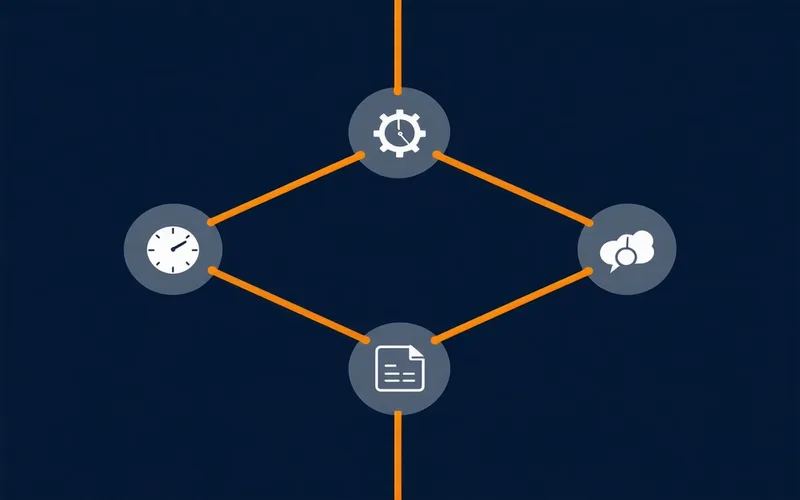
The 4-Step Re-Optimization Pipeline
From trigger event to driver confirmation, every step is automated and auditable.
Parcelarc receives the event via API webhook, direct TMS integration (EDI 204/214/990), or manual dispatch console trigger. The event includes the depot ID, affected stop IDs, and change type.
The engine pulls the current constraint set for this depot run: time windows, capacity, driver hours-of-service (ELD integration), traffic zone data, address geocodes, and any hard-stop constraints from the TMS.
The re-optimization engine computes a new sequence in under 30 seconds, respecting all constraints. The result includes a full stop sequence, estimated time-at-stop for each address, and a comparison diff against the original plan.
Updated sequences are pushed silently to the driver app. Drivers see a banner notification — no map reload, no decision prompt. The dispatch console shows confirmation status for each driver within seconds.
What the Engine Handles
Six constraint types computed simultaneously in every re-optimization pass.
Delivery Time Windows
Hard and soft time window constraints per stop. Engine prioritizes hard windows and flags soft-window risk in the dispatch console.
Address Exceptions
New stops, removed stops, and address corrections handled mid-run without manual route rebuild.
Capacity & Load
Per-vehicle weight and cubic capacity constraints. Volume variance at cutoff re-triggers the capacity check before re-sequencing.
Driver Availability
Call-off events re-pool the available driver set. Routes are reassigned and re-sequenced across remaining drivers within the depot run.
Driver Break Rules
FMCSA HOS compliance constraints integrated via ELD data. Break windows factored into sequence timing, not treated as dead time.
Traffic Zone Data
Real-time and historical traffic patterns used to refine ETA estimates. Not navigation — routing constraint input for sequence ordering.
Designed for depots running 50–2,000 stops per run. Computation scales with stop count, not linearly. Tested against realistic multi-constraint scenarios in the DFW regional carrier environment.
API-First Architecture
Every re-optimization action is available via REST API. Trigger re-optimization programmatically from your TMS, WMS, or dispatch system. Webhooks deliver results back to your stack in real time.
// Trigger re-optimization after cutoff event
POST https://api.parcelarc.com/v1/reoptimize
Authorization: Bearer {api_key}
Content-Type: application/json

{
 "depot_id": "depot-dfw-north-4",
 "trigger_type": "address_exception",
 "affected_stop_ids": ["S-1042", "S-1043"],
 "constraint_set": "current",
 "notify_drivers": true
}

// Response
{
 "reopt_id": "ro-20250904-7723",
 "status": "computing",
 "eta_ms": 18000,
 "webhook_url": "/webhooks/reopt"
}
See It Running Against Your Depot Data
Request a demo with your actual stop counts and constraint set. No canned scenarios.
Request a Demo